测试页面
本页源码:index.md。
注意:本页面的容易并未覆盖所有支持的功能。
段落
这是段落。换行符不会自动换行,而是自动拼接到前一行,这样可以把长的段落分成多行写,也即软回车。如果想要达到硬回车效果,可以在最后添加一个反斜杠\
这样就会产生新的段落内换行(但是要注意他不属于新的段落)。
空一行继续写新的内容则会另起一个段落。
二号标题
标题字号测试。
注意,因为一号标题已被用作本文的标题、且语义上来说一篇文章只应出现一次一号标题,所以这里不做测试。
三号标题
四号标题
五号标题
六号标题
代码
-
键盘:Ctrl + C
-
行内代码:
<div>code</div> -
块级代码:
1
2
3
4
5
6
7
package main

import "fmt"

func main() {
	fmt.Println("Hello, 世界")
}

引用
普通文本引用内容。
A block quotation (also known as a long quotation or extract) is a quotation in a written document, that is set off from the main text as a paragraph, or block of text.
It is typically distinguished visually using indentation and a different typeface or smaller size quotation. It may or may not include a citation, usually placed at the bottom.
GitHub 的 Alerts。
注意
Useful information that users should know, even when skimming content.
提示
Helpful advice for doing things better or more easily.
重要
Key information users need to know to achieve their goal.
警告
Urgent info that needs immediate user attention to avoid problems.
小心
Advises about risks or negative outcomes of certain actions.
列表
有序列表:
- 第一条
- 第二条
- 第二、一条
- 第二、二条
- 第三条
无序列表:
- 第一条
- 第二条
- 第二、一条
- 第二、二条
- 第三条
各种 Markers:
- 111
- 222
- 111
- 222
- 111
- 222
- 111
- 222
- 111
- 222
样式
加粗 斜体 加粗斜体 删除线
插入的文本 和 删除的文本
链接
颜色
| 名字 | 代码 | 前景 | 背景 | ||
|---|---|---|---|---|---|
| 浅色 | 深色 | 浅色 | 深色 | ||
| coral | |
Text |
Text |
Text |
Text |
| salmon | |
Text |
Text |
Text |
Text |
| red | |
Text |
Text |
Text |
Text |
| hotpink | |
Text |
Text |
Text |
Text |
| deeppink | |
Text |
Text |
Text |
Text |
| palevioletred | |
Text |
Text |
Text |
Text |
| tomato | |
Text |
Text |
Text |
Text |
| darkorange | |
Text |
Text |
Text |
Text |
| orange | |
Text |
Text |
Text |
Text |
| yellow | |
Text |
Text |
Text |
Text |
| darkkhaki | |
Text |
Text |
Text |
Text |
| magenta | |
Text |
Text |
Text |
Text |
| purple | |
Text |
Text |
Text |
Text |
| slateblue | |
Text |
Text |
Text |
Text |
| mediumseagreen | |
Text |
Text |
Text |
Text |
| green | |
Text |
Text |
Text |
Text |
| yellowgreen | |
Text |
Text |
Text |
Text |
| olive | |
Text |
Text |
Text |
Text |
| darkseagreen | |
Text |
Text |
Text |
Text |
| lightseagreen | |
Text |
Text |
Text |
Text |
| teal | |
Text |
Text |
Text |
Text |
| cyan | |
Text |
Text |
Text |
Text |
| aqua | |
Text |
Text |
Text |
Text |
| cadetblue | |
Text |
Text |
Text |
Text |
| steelblue | |
Text |
Text |
Text |
Text |
| deepskyblue | |
Text |
Text |
Text |
Text |
| blue | |
Text |
Text |
Text |
Text |
| burlywood | |
Text |
Text |
Text |
Text |
| tan | |
Text |
Text |
Text |
Text |
| rosybrown | |
Text |
Text |
Text |
Text |
| sandybrown | |
Text |
Text |
Text |
Text |
| goldenrod | |
Text |
Text |
Text |
Text |
| darkgoldenrod | |
Text |
Text |
Text |
Text |
| peru | |
Text |
Text |
Text |
Text |
| chocolate | |
Text |
Text |
Text |
Text |
| white | |
Text |
Text |
Text |
Text |
| silver | |
Text |
Text |
Text |
Text |
| darkgray | |
Text |
Text |
Text |
Text |
| gray | |
Text |
Text |
Text |
Text |
| slategray | |
Text |
Text |
Text |
Text |
| black | |
Text |
Text |
Text |
Text |
详细/展开
- 鼠标放在“总结”上面应该有箭头指示展开方向。
总结
详细内容。
更详细的内容。
水平分隔线
表格
-
普通的表格
Tables Are Cool col 1 is left-aligned $1600 col 2 is centered $12 col 3 is right-aligned $1 -
CSV 表格
Year Make Model Description Price 1997 Ford E350 ac, abs, moon 3000.00 1999 Chevy Venture "Extended Edition" 4900.00 1999 Chevy Venture "Extended Edition, Very Large" 5000.00 1996 Jeep Grand Cherokee MUST SELL!,," air, moon roof, loaded 4799.0
图片
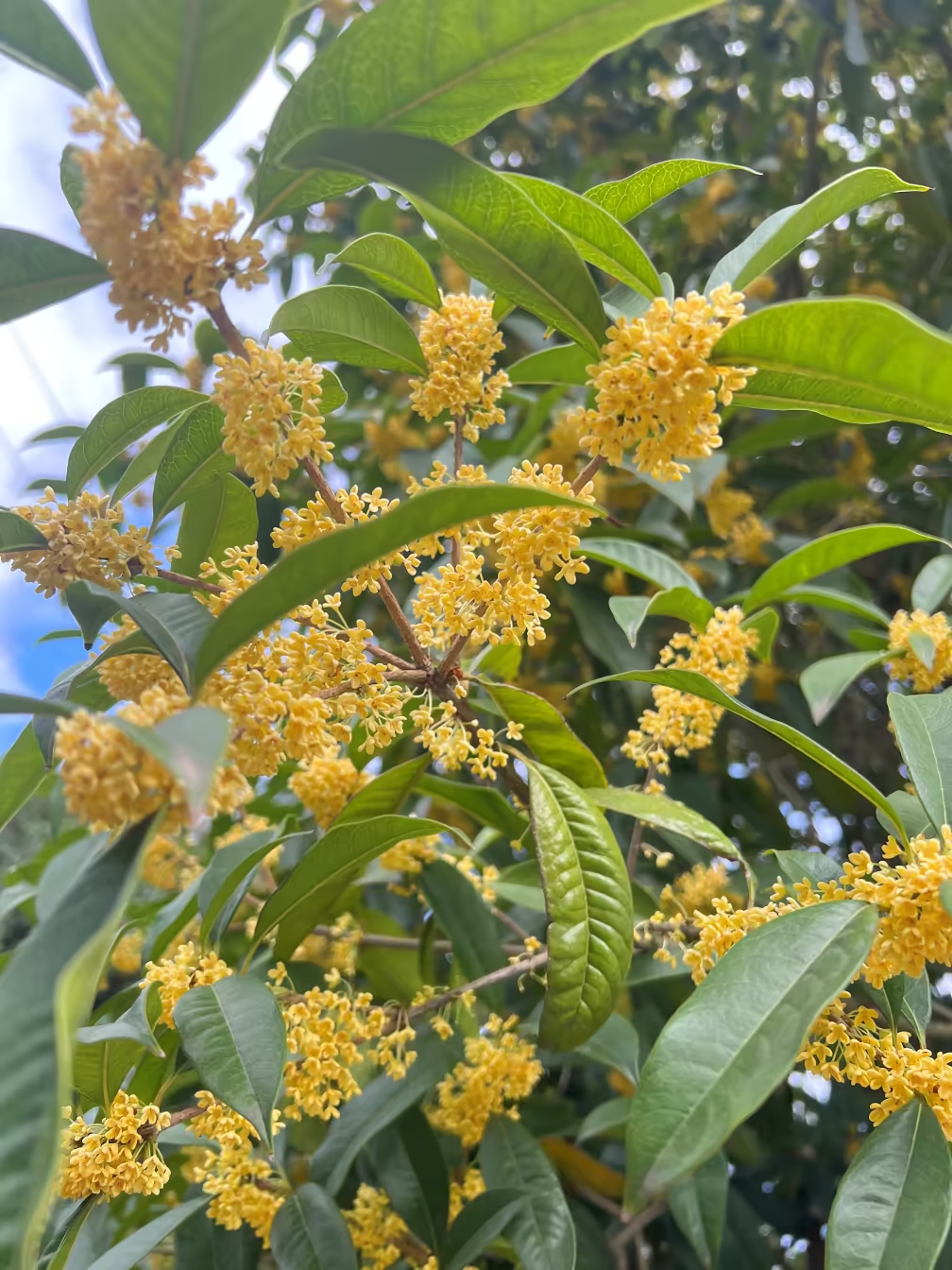
 实况
实况
敏感内容可以模糊显示,需要鼠标放上去、手指按压才会显示:
表单
输入框
- 文本:
- 密码:
- 网址:
- 邮箱:
- 日期:
- 编辑:
按钮
- 提交:
- 重置:
- 按钮:
- 按钮:
选择
下拉框:
复选框:
单选框:
任务列表
- 吾日三省吾身
- 早上吃什么,
- 中午吃什么,
- 晚上吃什么?
其它
对话框
话题
这里包含一个#话题。
引用站内文章
可以通过 [[编号]] 的方式引用,会自动嵌入标题。
比如:你看过我的《Hello World!》文章吗?
渲染
表情符号
![[doge]](/v3/dynamic/emojis/weixin/doge.png "doge")
![[捂脸]](/v3/dynamic/emojis/weixin/%E6%8D%82%E8%84%B8.png "捂脸")
![[皱眉]](/v3/dynamic/emojis/weixin/%E7%9A%B1%E7%9C%89.png "皱眉")
公式
行内公式:
块级公式:
另一个块级公式(Linear Mandarin):
化学式:
实况照片
实况
提醒事项
提醒事项会添加到日历中,可以在手机上查看。
可以提供的功能:备忘录、倒数日、行程提醒、课程表等。
音乐播放器
插入语法和插入图片一样,内部会自动识别。
1
|
|

标题:おやすみ
专辑:オリジナル・サウンドトラック Zwei!!
作者:Falcom Sound Team J.D.K.
PlantUML
Pikchr
来源:https://pikchr.org/home/pikchrshow,“Core Object Types”